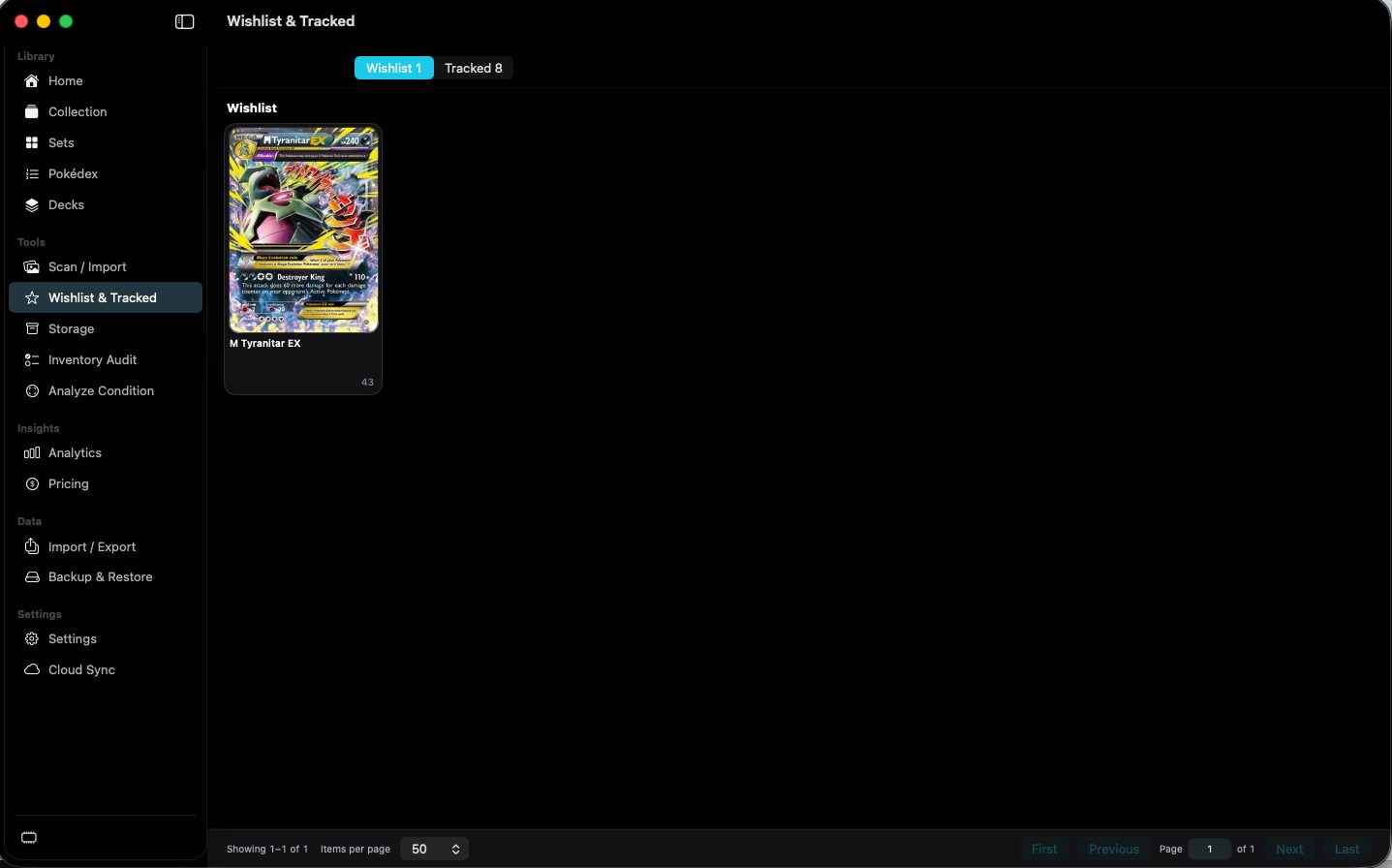
Wishlist and Trackedtabs
Switches between wished cards and tracked sets.
The capture shows Wishlist 1 and Tracked 8.
 Scott's TCG Binder
Wishlist stores individual wanted cards. Tracked stores sets you are following.
Wishlist stores individual wanted cards. Tracked stores sets you are following.
shot desktop-wishlist · seq 14 · assets/screenshots/original/desktop/0014.png
Visual reference not yet available for this platform.
Visual reference not yet available for this platform.
Switches between wished cards and tracked sets.
The capture shows Wishlist 1 and Tracked 8.
Downloads tracked-set artwork that is not cached.
The capture reads Download Tracked Artwork, 1,144 of 1,444 cached.
Stops tracking that set.
Each tracked set row has this button. The same action appears on Set Detail.
Keep wanted cards and set goals together.