macOS
This documentation pass uses the desktop app. The sidebar is the map: Library, Tools, Insights, Data, and Settings.
Desktop guide Scott's TCG Binder

The collection, the catalog, and the tools around them. Own the cards, see the gaps, and know what they are worth.
shot desktop-home · seq 1 · screen home
Visual reference not yet available for this platform.
Visual reference not yet available for this platform.

Home summarizes counts, value, tracked-set progress, and recently added cards.
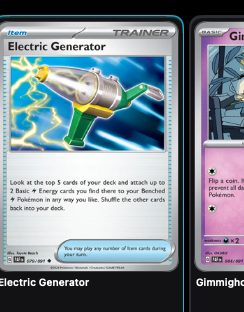
Search, browse, and inspect owned cards as a grid, list, or table.
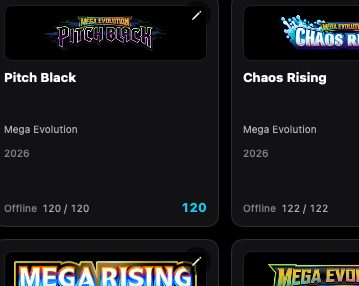
Sets lists every set, with series and year filters, completion counts, and a set detail screen.
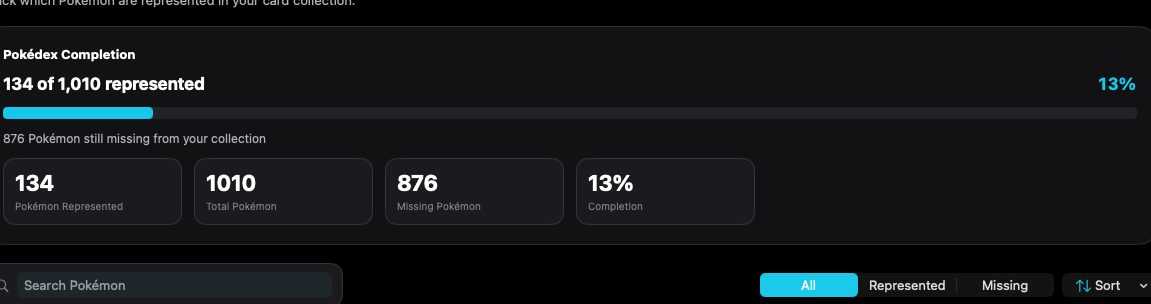
Pokédex tracks represented and missing Pokémon across the collection.
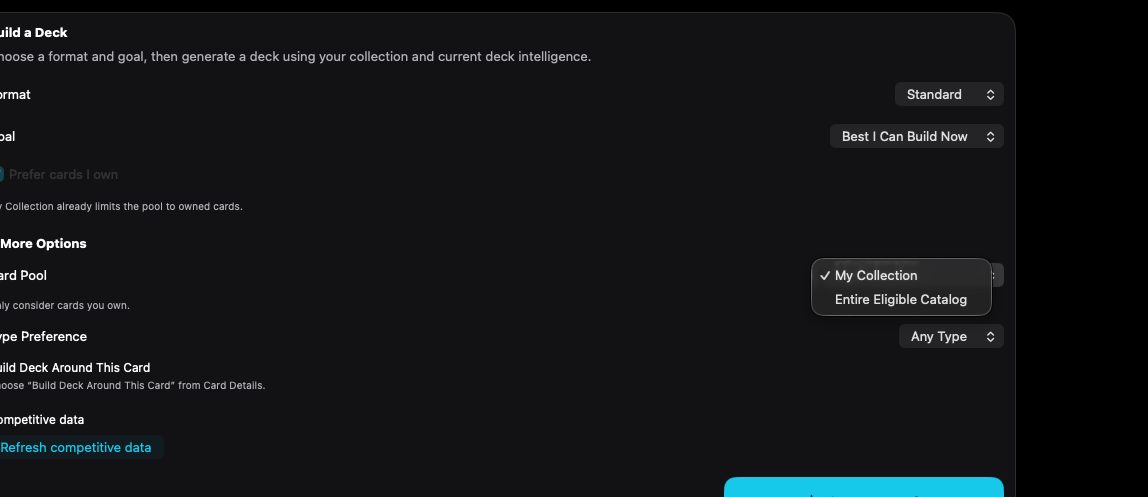
Choose a format and goal, then generate a deck. The card pool can be your collection or the eligible catalog.
Scan / Import accepts a live camera or card images, then sends each capture through recognition and review.
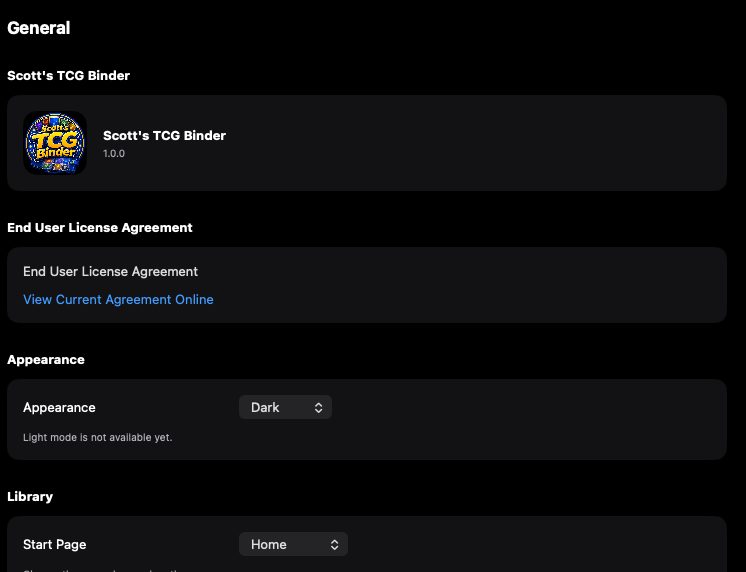
Recognition combines visual matching and OCR, with a confidence threshold and a visual index.
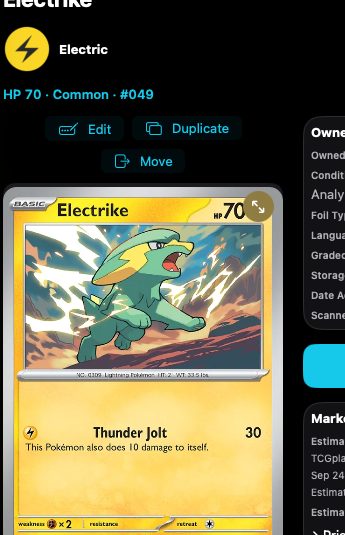
Card Details shows the owned copy, catalog data, market value, and actions such as edit, move, favorite, trade, and wishlist.
Scan or import, confirm the match, then track the card through the collection, prices, and charts.
This documentation pass uses the desktop app. The sidebar is the map: Library, Tools, Insights, Data, and Settings.
Desktop guideThe iPhone is part of catalog and collection sync. Screenshots for that layout are not in this library yet.
iPhoneiPad uses the same feature catalog. Visual references will attach here when those captures are added.
iPadThe support guide uses the same features, with the operational detail on each screen.