Choose Filebutton
Starts an import.
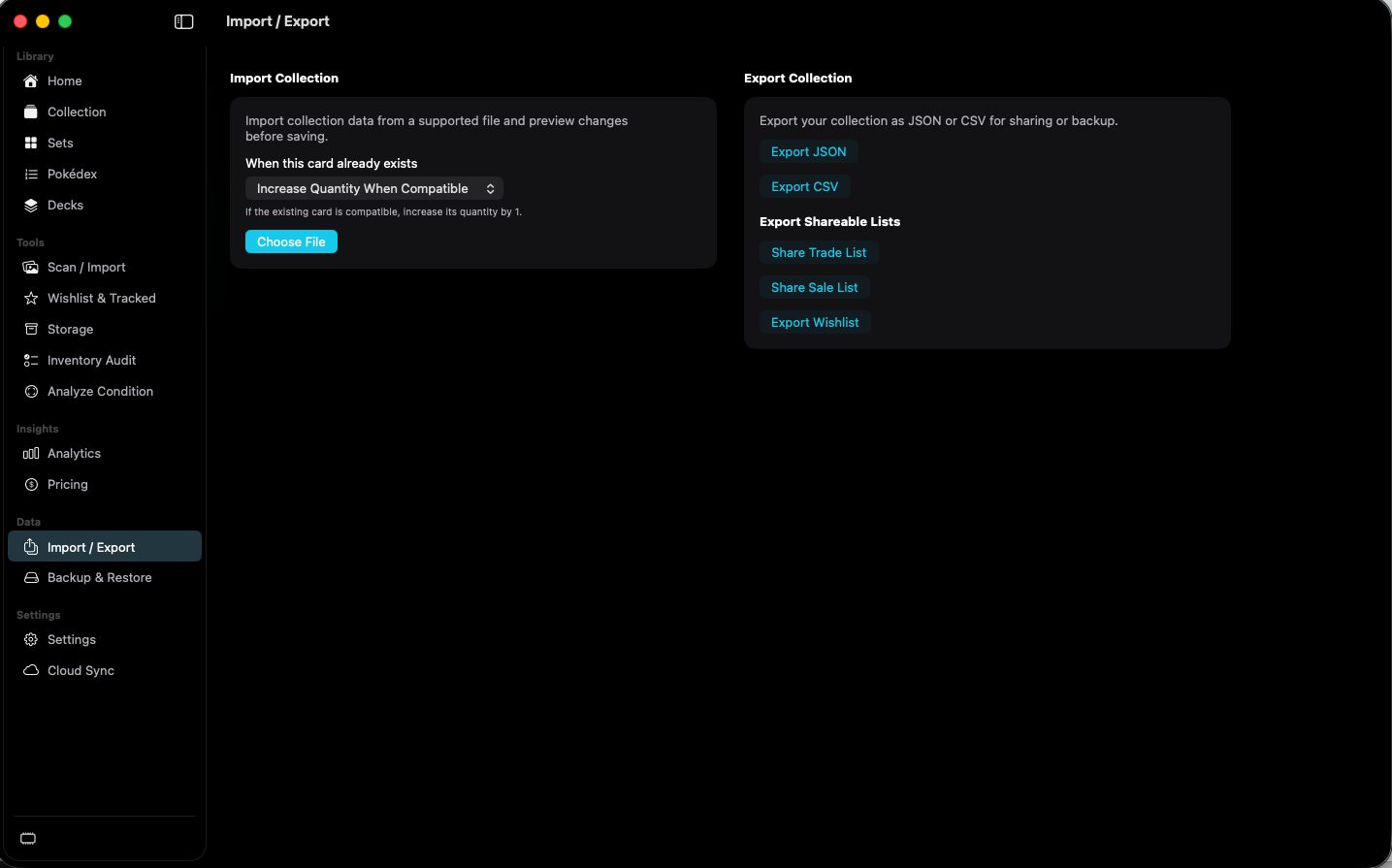
The duplicate rule above it is Increase Quantity When Compatible in the capture.
 Scott's TCG Binder
Import / Export moves collection files and shareable lists.
Import / Export moves collection files and shareable lists.
shot desktop-import-export · seq 20 · assets/screenshots/original/desktop/0020.png
Visual reference not yet available for this platform.
Visual reference not yet available for this platform.
Starts an import.
The duplicate rule above it is Increase Quantity When Compatible in the capture.
Writes the collection to a file.
The page says the export is for sharing or backup.
Exports a subset of the collection.
Share Trade List, Share Sale List, and Export Wishlist.
Move the collection, or share a list.