Appearancemenu
Selects the app appearance.
Dark is selected. The page says light mode is not available yet.
 Scott's TCG Binder
Settings holds app-wide defaults and maintenance tools. Categories are a second list inside the page.
Settings holds app-wide defaults and maintenance tools. Categories are a second list inside the page.
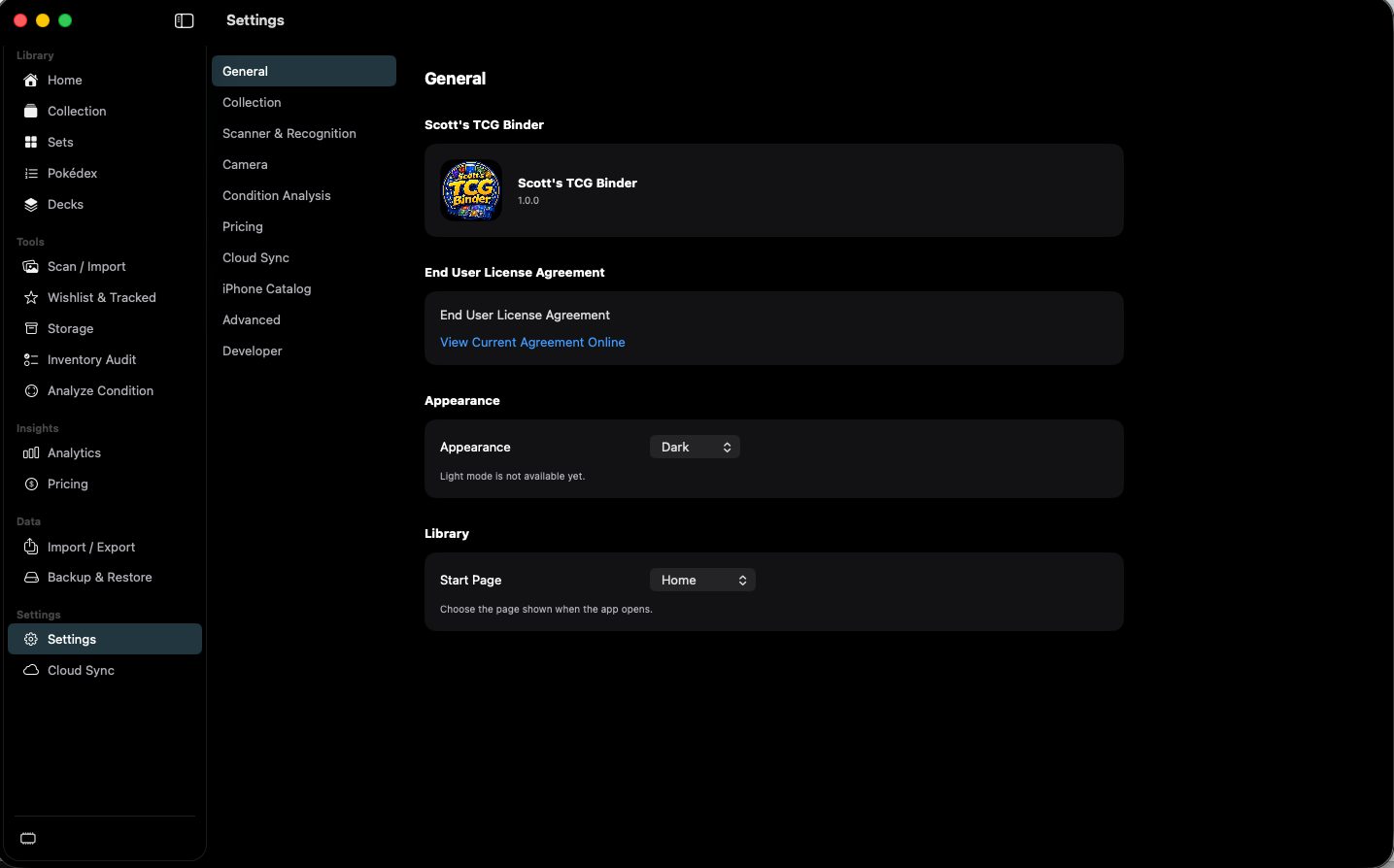
shot desktop-settings-general · seq 23 · assets/screenshots/original/desktop/0023.png
Visual reference not yet available for this platform.
Visual reference not yet available for this platform.
Selects the app appearance.
Dark is selected. The page says light mode is not available yet.
Defaults applied when a card is added.
The capture shows quantity 1, Near Mint, English, Main Collection, Grid, 50 items per page, and Increase Quantity When Compatible.
Chooses the capture device.
The open menu lists MacBook Pro Camera, HD Webcam C615, and Scotts network Camera — Continuity Camera. Status reads Connected. Auto-Capture is off, Capture Delay is 0.5 Seconds, and Resume After Scan is on.
Sets currency, market, and refresh.
USD, Automatic, and Automatic Refresh on. eBay and PriceCharting both read Not configured.
Shows live memory usage in the desktop workspace.
On in the Developer capture. The sidebar footer appears when this is enabled.
Defaults for the whole library.