All / Owned / Missingtoggle
Limits the set to every card, owned cards, or missing cards.
All is selected in the capture.
 Scott's TCG Binder
Set Detail is one set's checklist, completion, and card grid.
Set Detail is one set's checklist, completion, and card grid.
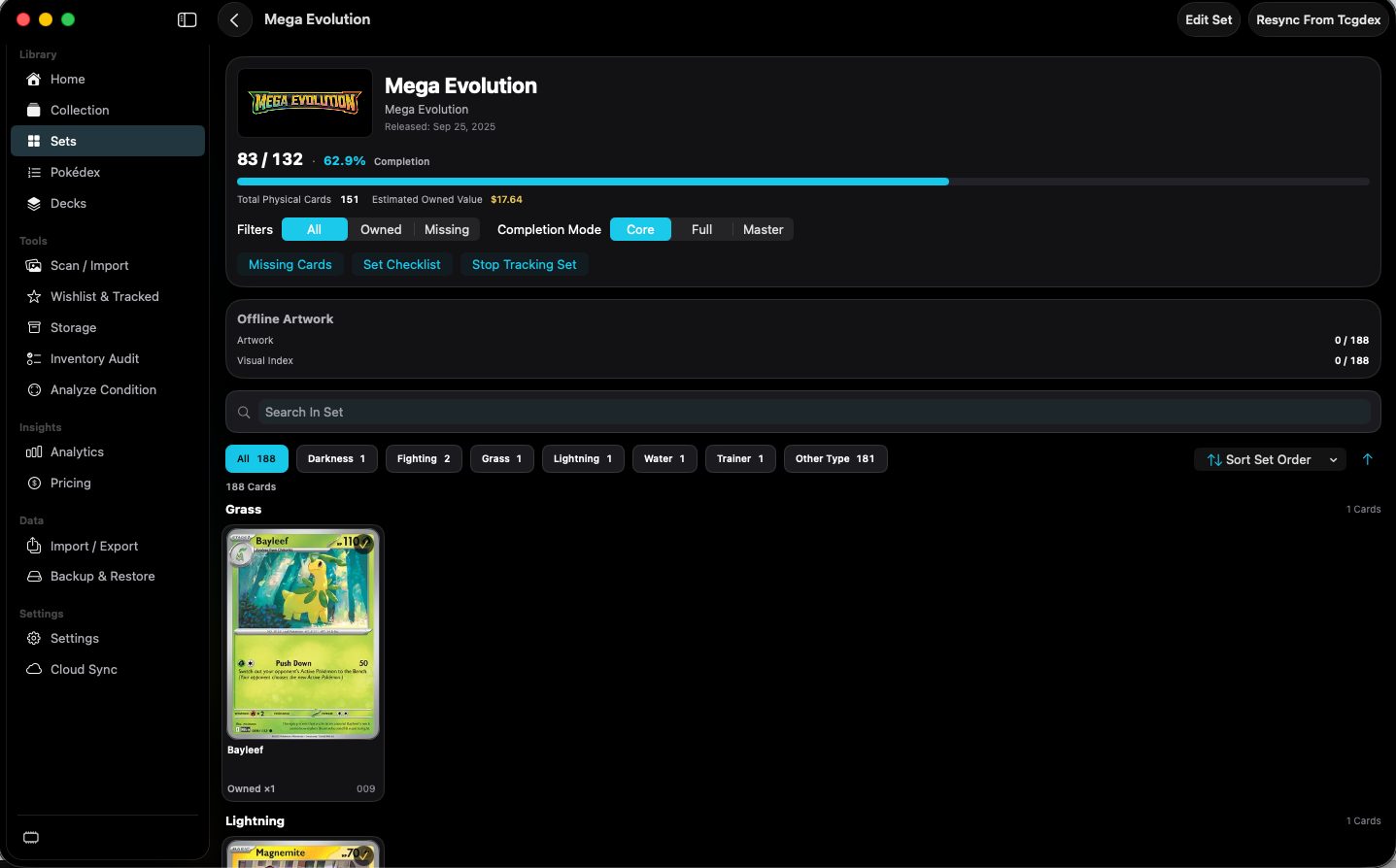
shot desktop-set-detail · seq 9 · assets/screenshots/original/desktop/0009.png
Visual reference not yet available for this platform.
Visual reference not yet available for this platform.
Limits the set to every card, owned cards, or missing cards.
All is selected in the capture.
Changes which printings count toward completion.
Core, Full, and Master are shown. Core is selected. The numeric difference between modes was not captured.
Not fully verified in the capture.
Focuses the set on cards you do not own.
Shown with Set Checklist and Stop Tracking Set. The resulting view was not a separate capture.
Not fully verified in the capture.
Filters cards in the open set.
The field is labeled Search In Set.
Filters the open set by card type.
Chips show a count, including All, Darkness, Fighting, Grass, Lightning, Water, Trainer, and Other Type.
Browse the catalog by set, then see what you own.