Catalog sync
Shows card, set, and series counts for both devices.
 Scott's TCG Binder
A Mac can share its Pokémon catalog with a trusted iPhone on the local network. Collection sync on that path does not require iCloud.
shot desktop-settings-general · seq 23 · screen settings
Visual reference not yet available for this platform.
Visual reference not yet available for this platform.
Shows card, set, and series counts for both devices.
Shows paired device, last sync, collection items, wishlist items, and tracked sets.
Settings → iPhone Catalog. Local Catalog Sharing is a checkbox. The capture compares Mac and iPhone catalog counts and dates. Actions include Connect iPhone, Send Catalog to iPhone, Prepare Snapshot, Sync Collection Now, and Disconnect Device. The page states that iCloud is optional.
shot desktop-settings-general · seq 23 · screen settings
Visual reference not yet available for this platform.
Visual reference not yet available for this platform.
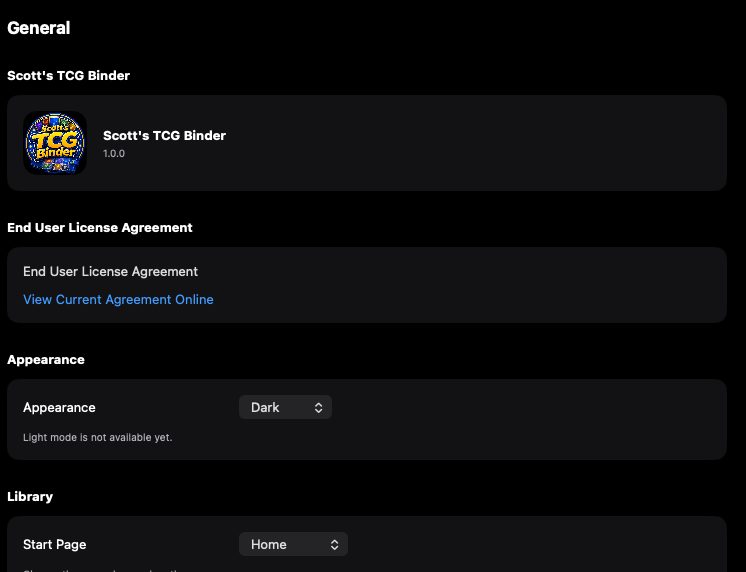
General settings with appearance and start page.
Desktop is the captured platform. iPhone and iPad stay on this feature so later screenshots attach without a second catalog.
shot desktop-settings-general · seq 23 · screen settings
Visual reference not yet available for this platform.
Visual reference not yet available for this platform.
Operational steps, controls, and the annotated screen.