Sync My Collectiontoggle
Turns iCloud collection sync on or off.
Off in the capture, with changes waiting to sync.
 Scott's TCG Binder
Cloud Sync moves the personal collection through iCloud. It does not sync the Pokémon catalog.
Cloud Sync moves the personal collection through iCloud. It does not sync the Pokémon catalog.
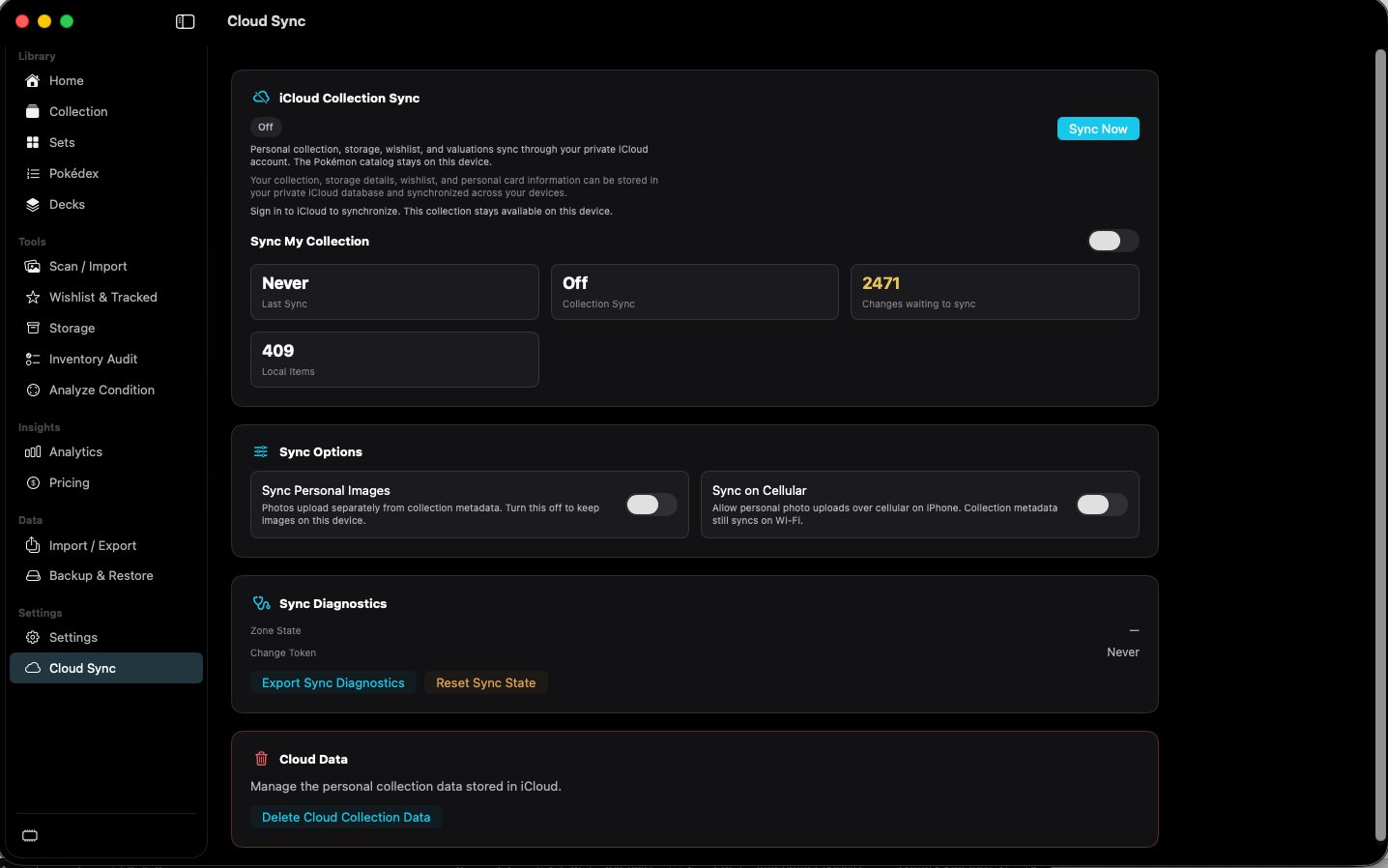
shot desktop-cloud-sync · seq 22 · assets/screenshots/original/desktop/0022.png
Visual reference not yet available for this platform.
Visual reference not yet available for this platform.
Turns iCloud collection sync on or off.
Off in the capture, with changes waiting to sync.
Starts a sync.
Requires iCloud sign-in, as stated on the page. The signed-out result was not captured.
Not fully verified in the capture.
Deletes the personal collection data stored in iCloud.
Presented in a separate Cloud Data section. Confirmation was not captured.
Not fully verified in the capture.
Keep the personal collection in iCloud.