Matchers
Visual matching and OCR matching can each be switched on. Experimental ML is separate and was off in the capture.
 Scott's TCG Binder
Recognition is what turns a photo into a catalog card. Visual matching and OCR can be enabled independently, and the visual index shows how much of the catalog is ready.
shot desktop-settings-general · seq 23 · screen settings
Visual reference not yet available for this platform.
Visual reference not yet available for this platform.
Visual matching and OCR matching can each be switched on. Experimental ML is separate and was off in the capture.
The capture shows Visual Index Progress, Recognition Ready, and Images pending.
Card Images and User Scans report size. Clear Recognition Cache is explicit.
Settings → Scanner & Recognition controls identification. Automatic Identification, the confidence threshold, Use visual matching, Use OCR matching, and Use experimental ML are on this screen. Rebuild Visual Index and Clear Recognition Cache are separate actions.
shot desktop-settings-general · seq 23 · screen settings
Visual reference not yet available for this platform.
Visual reference not yet available for this platform.
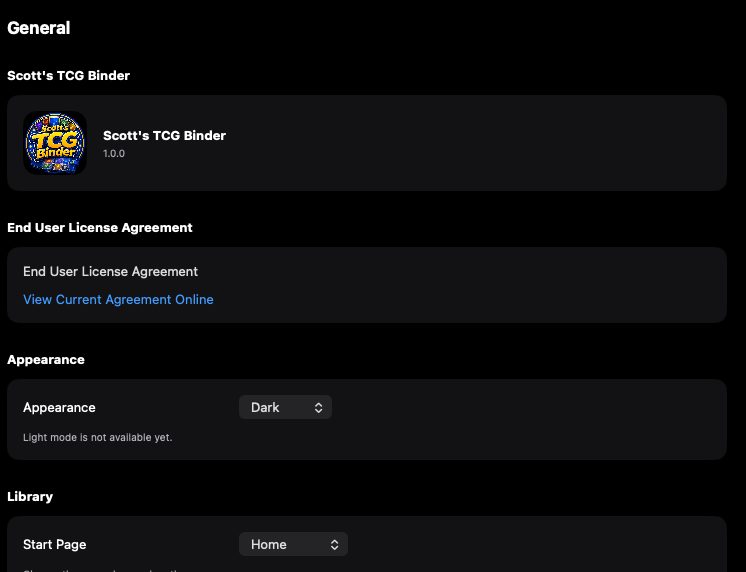
General settings with appearance and start page.
Desktop is the captured platform. iPhone and iPad stay on this feature so later screenshots attach without a second catalog.
shot desktop-settings-general · seq 23 · screen settings
Visual reference not yet available for this platform.
Visual reference not yet available for this platform.
Operational steps, controls, and the annotated screen.