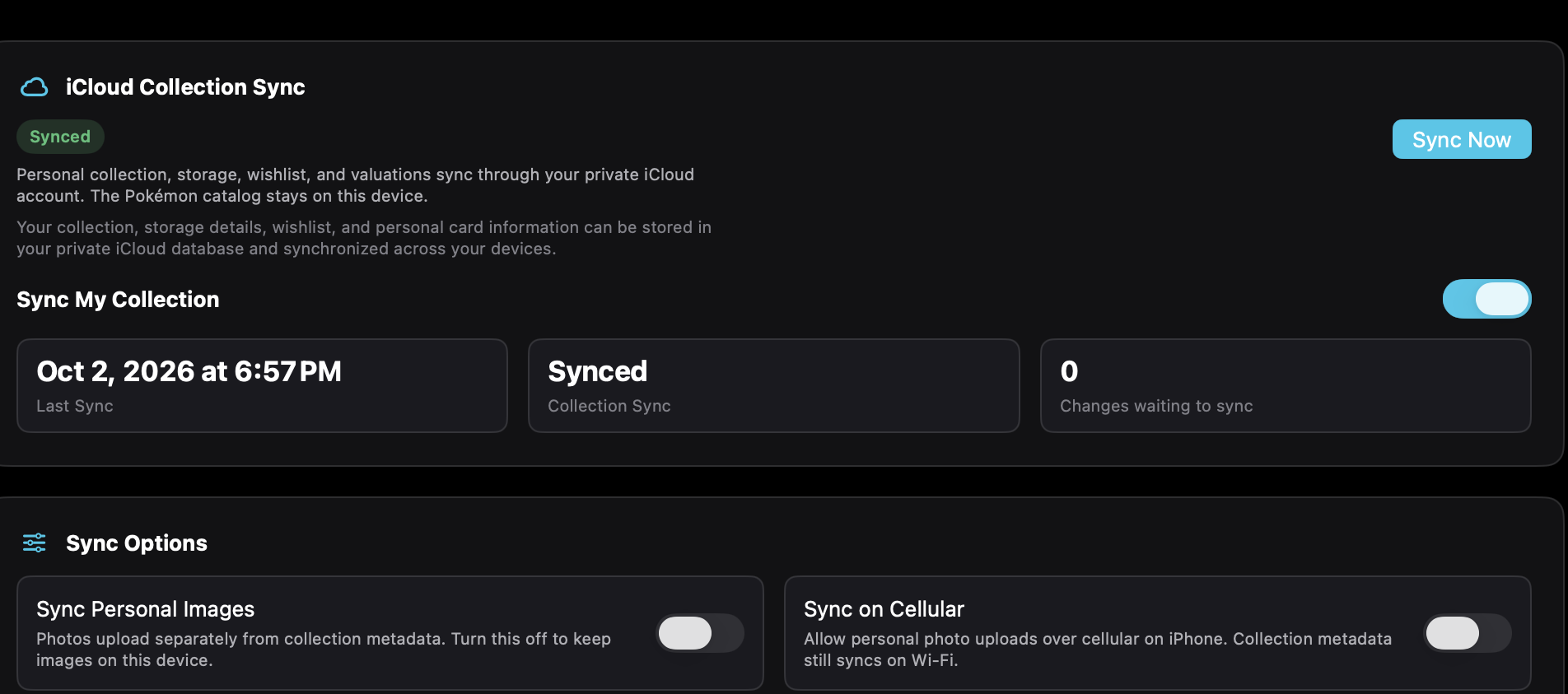
Turn on Sync My Collection and the same private iCloud database is used on Mac, iPhone, and iPad. Catalog downloads, scan originals, and recognition data stay local.
Visual reference not yet available for this platform.
Key capabilities
What syncs
Collection items (quantity, condition, foil, language, storage location, notes, grading, favorite, for-trade, for-sale, purchase price, and manual value), storage locations you add, wishlist items, tracked sets, decks, and activity from edits you make. Catalog identity travels with the card so the other device can match it locally.
What does not sync
The Pokémon catalog and its artwork, pricing history, recognition data, scan originals, condition-analysis images, inventory-audit sessions, and these sync switches. Market value stored on the card is not uploaded. Binder, page, and slot are not part of the iCloud record.
Photos
Sync Personal Images says photos upload separately from collection metadata, and that turning it off keeps images on this device. Image transfer is skipped in Low Power Mode, and on cellular unless Sync on Cellular is on. A failed photo transfer does not drop the card record. Scan originals are not synchronized. Local-network Collection Sync, on iPhone Catalog, is the path that copies collection photos between a paired Mac and iPhone.
Conflicts and recovery
When the same field was edited on two devices, Sync Issues lists the card and offers Keep This Device or Use Other Device. After a backup restore, sync stays paused until Merge With Cloud. If the iCloud account changes, sync pauses and Keep Local Collection Only is the offered action. Offline edits stay on the device and upload on the next sync.
Visual walkthrough
Cloud Sync
On iPhone, Cloud Sync is under More and also linked from Settings. Personal collection, storage, wishlist, and valuations sync through your private iCloud account. The Pokémon catalog stays on this device. Sync My Collection is the switch. Sync Now runs only while that switch is on. Status can read Off, Synced, Changes waiting to sync, Syncing…, Offline, Sign In Required, Backup Restored, or Sync temporarily unavailable. Sync Personal Images and Sync on Cellular are separate switches under Sync Options. The captured iPhone has Sync Personal Images on and Sync on Cellular off. Delete Cloud Collection Data removes the iCloud copy and does not erase this device.